For streamers and creators
Stream it, clip it, let chat decide
Practical guides for streaming on Twitch, YouTube, TikTok LIVE and Kick, written by the team that makes Cosmic Starship.
You are welcome to stream Cosmic Starship and post videos of it, including the clips the game records for you. These guides cover choosing a game as a new streamer, playing with your chat, and setting up our game for a stream. We make the game, so we say where we are biased, and we only call something tested when we tested it ourselves.
Which guide to read first
If you have not picked a game yet, start with the checklist for new and small streamers: it works for any game on any platform, and it says plainly where a small browser game helps a new channel and where it does not. If your chat is already talking, the second guide lists four ways viewers can play along, from simple predictions to fleet battles they vote on with the Who Would Win? simulator. The third guide is the practical one: capturing the game in OBS, the in-game settings that make a stream easier to read, and recording vertical clips for Shorts, TikTok and Reels.
The game is free, runs in a browser tab and needs no account, so viewers can open it while they watch. You do not need permission to stream it or to earn from your videos; the FAQ has the details.
The guides
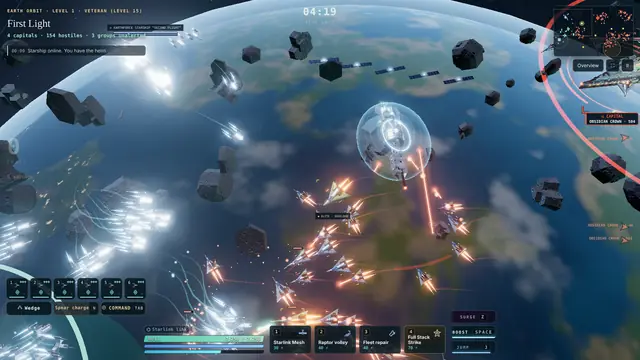 Best games to stream for new and small streamersA checklist for picking a game on any platform, and where a niche game helps or hurts.
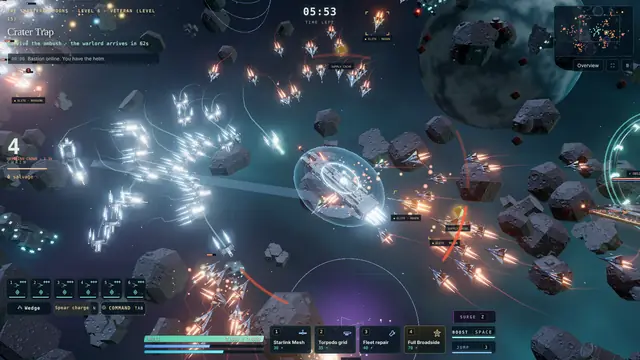 Games to play with chat and viewersFour ways viewers can play along, the tools each platform gives you, and a fleet-battle format to try.
 How to stream Cosmic StarshipCapturing a browser game in OBS, settings that help viewers, and clips for Shorts, TikTok and Reels.
Questions, or a stream you would like us to see? Write to us on the contact page.